
VPhoneGaGa Gold APK Download 3.8.5: Powerful Virtual Android

VPhoneGaGa Gold
V3.8.5
VPhoneGaGa
Free
Varies by build
Virtual Machine
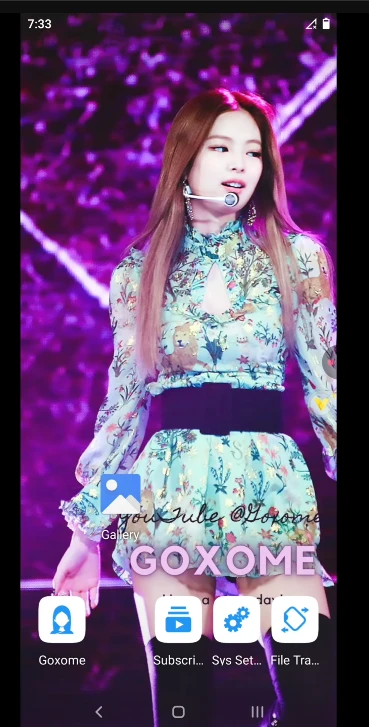
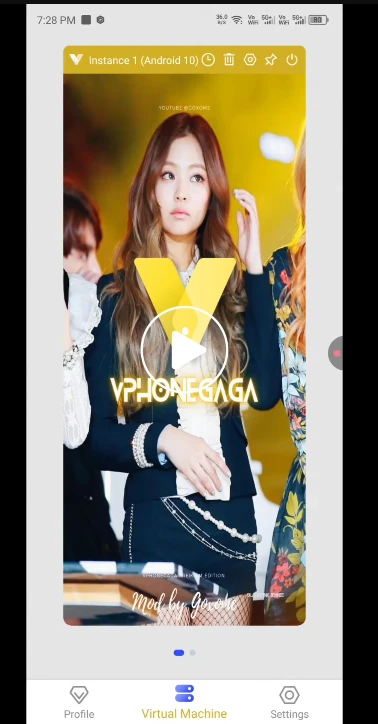
VPhoneGaGa Gold is a virtual Android environment that lets you run compatible Android apps and games separately from your phone’s main system. With app cloning, multiple accounts, and virtual root support, it offers a separate space for app testing and managing different accounts. If you want to explore the standard version, check out VPhoneGaGa APK.
VPhoneGaGa Gold Quick Information
| App detail | Information |
|---|---|
| App name | VPhoneGaGa Gold |
| Version | 3.8.5 |
| File format | APK |
| File size | Varies by build |
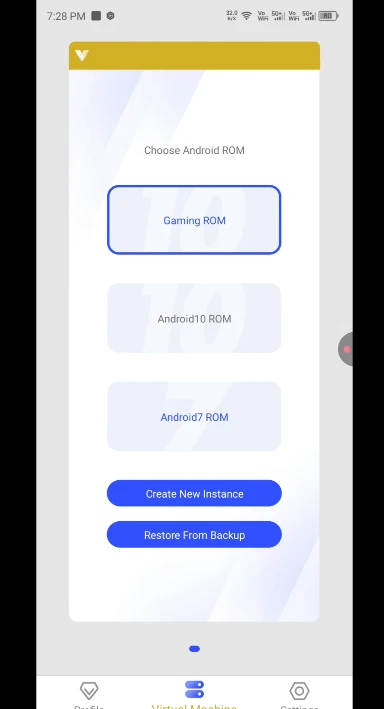
| Virtual Android versions | Android 7 and Android 10 |
| Architecture | 32-bit and 64-bit |
| Developer | VPhoneGaGa |
| Edition | Edition |
| Virtual root | Supported |
| Android requirement | Android 7.0 or later |
What Is VPhoneGaGa Gold?
VPhoneGaGa Gold is designed for users who want more control over their virtual Android setup. Its key uses include managing multiple app accounts, testing compatible applications, using virtual root tools, and choosing between supported Android environments.
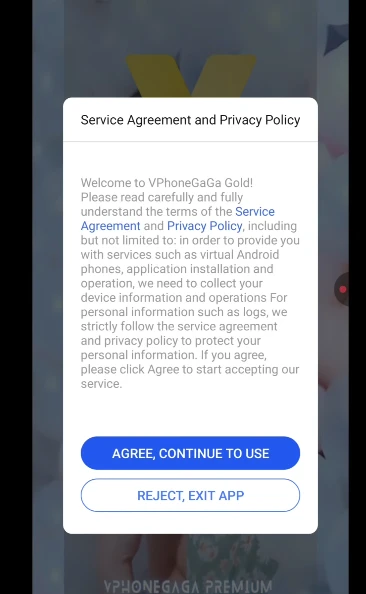
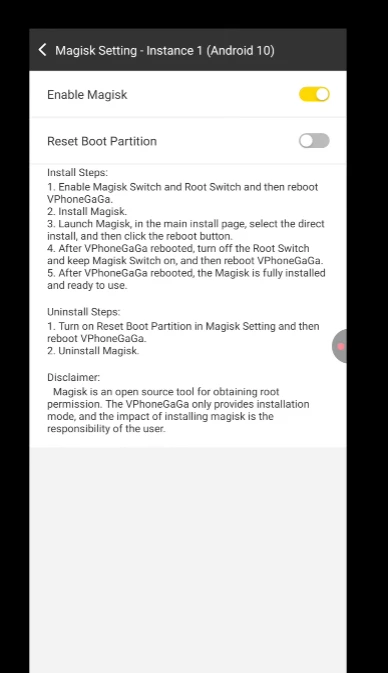
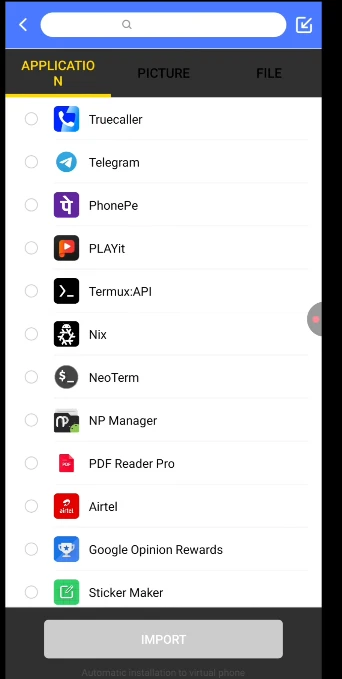
ScreenShot
What Makes VPhoneGaGa Gold Useful?
Virtual Root Access
Use supported root tools inside the virtual Android environment without automatically rooting your physical phone.
Multiple Accounts
Run separate instances of compatible apps to manage different accounts within the virtual space.
App Testing and Isolation
Test compatible applications and keep their virtual app data separate from their main-device installations.
32-Bit and 64-Bit Support
Choose the compatible build for your intended apps and virtual environment.
Android 7 and Android 10 Environments
Select from the virtual Android versions available in the package, depending on your app compatibility needs.
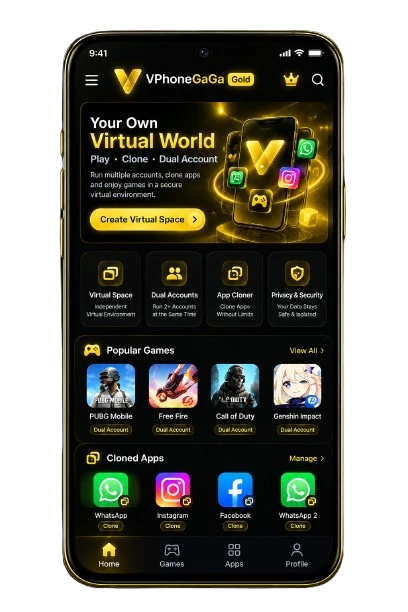
Features of VPhoneGaGa Gold
VPhoneGaGa Gold combines virtual Android functionality with tools for managing apps, separate accounts, and supported root operations. These features can help users test compatible apps and organize different app environments.
Virtual Android Environment:
Run compatible Android apps inside a separate virtual system instead of installing everything directly on your phone’s main environment.
Multiple App Accounts:
Keep separate instances of supported apps for managing different accounts, subject to each app’s restrictions.
App Cloning and Importing:
Add compatible apps to the virtual Android environment and use them independently of their main-device installations.
Independent App Data:
Keep supported apps’ virtual data separate from their regular installations, making testing and account management easier.
Floating Virtual Window:
Access the virtual environment in a floating window if your installed build supports this feature.
32-Bit and 64-Bit Builds:
Choose the architecture that suits your target apps and the virtual environment you plan to use.
Virtual Root Support:
Access supported root-related functions within the virtual Android system without automatically rooting your physical phone.
App and Game Compatibility:
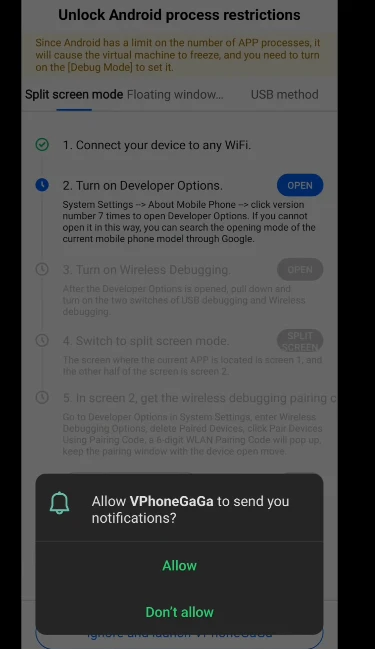
Run supported applications and games in the virtual environment, although some may detect virtualization or refuse to launch.
Virtual Device Settings:
Configure the options available in your build to suit compatible apps and your intended setup.
Background Operation:
Keep supported virtual apps running in the background when the build and Android battery settings permit it.
How the Virtual Android Environment Works
The application creates a virtual system where compatible Android apps can run separately from the phone’s main environment.
The available options depend on the installed build. Some apps may require additional setup or may not work in a virtual environment.
What Makes Gold Different?
Gold is intended for users looking for virtual Android features such as app cloning, separate accounts, virtual root, and device configuration options.
Its actual advantages depend on the package. Do not assume that every Gold release includes unrestricted premium access, removes all limitations, or works with every game. Compare the documented features before choosing a version.
Download VPhoneGaGa Gold APK
Choose the build that matches your target applications and supported architecture. Check the package version and file format before installation.
VPhoneGaGa Gold 32-Bit
The 32-bit build is designed for compatible 32-bit environments and applications. It can suit apps that require this architecture, but compatibility still depends on the virtual Android version and your device.
VPhoneGaGa Gold 64-Bit
The 64-bit build is designed for compatible 64-bit environments and applications. If you are looking for a VPhoneGaGa Gold 64-bit premium APK, verify the architecture and included features rather than relying on the filename alone.
System Requirements
The listed requirements provide a starting point for choosing a compatible setup.
| Requirement | Recommended specification |
|---|---|
| Minimum Android version | Android 7.0 or later |
| Recommended Android version | Android 10 or newer |
| Available storage | At least 4 GB |
| RAM | 4 GB minimum; 6 GB or more preferred |
| Processor architecture | ARM 32-bit or ARM 64-bit |
| Internet connection | Stable connection recommended |
How to Install on Android
Follow these steps to install the application safely.
Disable the temporary installation permission afterward. If installation fails, check the file format, available storage, and device compatibility.
Root Support
Root Access Inside the Virtual Space
The application supports virtual root in compatible builds. This can provide root-related functions within the virtual Android environment.
Virtual Root vs. Device Root
Virtual root does not automatically root your physical phone. It operates inside the virtual system, while device root changes the main Android system.
Apps That May Not Work
Banking apps, payment services, competitive games, and other security-sensitive applications may block virtual or rooted environments. Root support does not guarantee that these apps will run.
Security and Privacy
Only install packages from sources you trust. Review permissions, scan the file, and back up important data before changing virtual system settings. No security scan can guarantee that a package is completely safe.
Version Comparison
| Version or Environment | Main Distinction |
|---|---|
| Standard Version | Core virtual Android features available in that release. |
| Gold Version | Gold-specific features, subject to the package. |
| 32-bit Version | For compatible 32-bit environments and apps. |
| 64-bit Version | For compatible 64-bit environments and apps. |
| Android 7 Environment | Virtual environment based on Android 7. |
| Android 10 Environment | Virtual environment based on Android 10. |
Pros and Cons
Advantages
Limitations
Frequently Asked Questions
Conclusion
VPhoneGaGa Gold provides a virtual Android environment for compatible apps, separate accounts, app testing, and supported virtual-root functions. Choose the 32-bit or 64-bit build according to your requirements, and check the system requirements before installing.
Verify the package source, version, and features before downloading. The right build is the one that works with your device and the applications you need.